Save space in your Google storage by changing this one Android setting
Don't upgrade your Google plan yet! You may be using up way more storage than necessary.
Eza_Nanda/Shutterstock With the cost of SSDs and hard drives through the roof, more of us are relying on cloud storage to warehouse the detritus of our digital lives. But even that doesn't come cheap, and chewing through it with careless abandon is far easier than you might realize. Even if you're the kind of person who keeps tight tabs on your file system, things can slip through the cracks in ways that are difficult to detect.
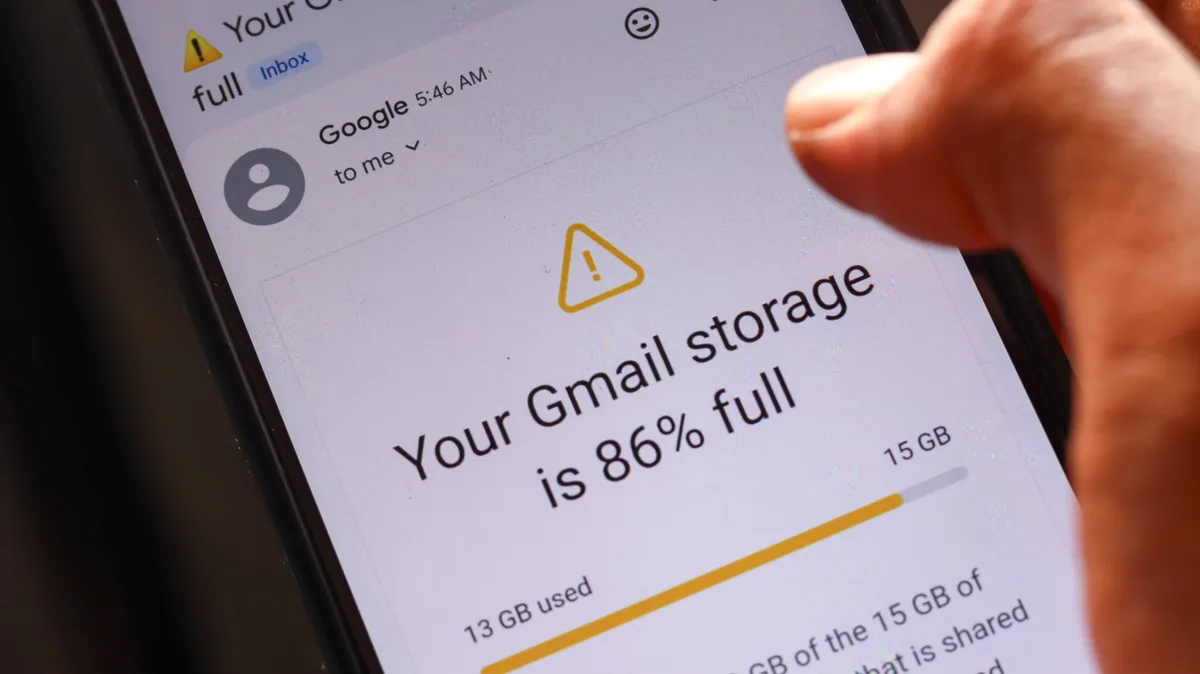
On Android, the default cloud backup option is the obvious one. Google, which owns the operating system, integrates device backups with your Google account storage. The amount of storage you have access to is small by default — just 15GB for free users — and is metered across all Google products, from Gmail to Drive, and yes, your phone's backup now counts against your account-wide storage. You can shell out for ludicrously capacious storage caps, of course, but by that same token, you push yourself toward the next tier up with every wasted byte. And you're probably wasting more of them than you think.
The key here is that Google Photos, the media backup solution of least resistance on Android, also counts toward your Google storage cap. Thanks to the way other apps handle their backups, you could be filling your storage with duplicate files in a way that isn't immediately noticeable. And you can save even more space by getting rid of the often unnecessary backups Google makes of completely useless app data. Here's how to claw back those precious gigabytes.
Don't forget to delete those photos and videos from Google Photos after turning off the folder backup. Google is incentivized to hang onto them, both to ingest into its Gemini AI and to run you out of storage more quickly so you upgrade, and so they need to be deleted separately.
Zulfugar Graphics/Shutterstock Once you've eliminated the biggest space-wasters in the form of media-rich backups, you can optimize even further by paring back the number of apps backing up from your phone. Backup settings can be accessed from the Google section of Android settings, or through the Google One app, and you can see which apps are backing up data by tapping on Other device data, then scrolling down and tapping Show more under the App data section. You may be shocked to find out how many apps have determined it necessary to chew into your cloud storage.
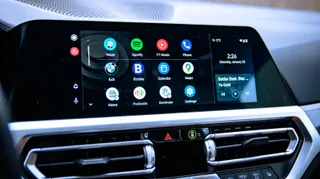
But looking in my backup settings, I found app data backed up for dozens of apps I don't care about. Given that its only function is to give me real-time device performance readouts, what possible data could CPU-Z need to back up with Google? Ditto for my guitar tuner app, VLC media player and a Google TV debugging tool I use for sideloading apps to my set-top box. Then there are the apps for which backup is unnecessary because they're entirely account-based — Bluesky, Reddit and any other app that only needs a login to fully load all of my data. And lastly, there are the apps I don't use, like Android Auto, which is not supported by my 2015 Subaru Crosstrek.
5News aggregated this summary from the outlet’s public feed. The full article, with all the context, is on www.engadget.com — the content belongs to Engadget.