ChatGPT can now look at your Chrome tabs to do tasks for you
OpenAI has updated its ChatGPT extension to be able to do more browser-based tasks.
OpenAI Add Engadget on Google: Preferred Source Google Discover OpenAI has updated its ChatGPT extension for Chrome , giving it the power to look at your tabs so it can come up with more personalized and useful answers to your queries. The company used to have a browser of its own, but it retired the product on August 9. It did, however, roll out upgrades to the Chrome extension that made ChatGPT a more viable alternative to Gemini in the browser. With these latest updates, ChatGPT can now do even more tasks inside Chrome.
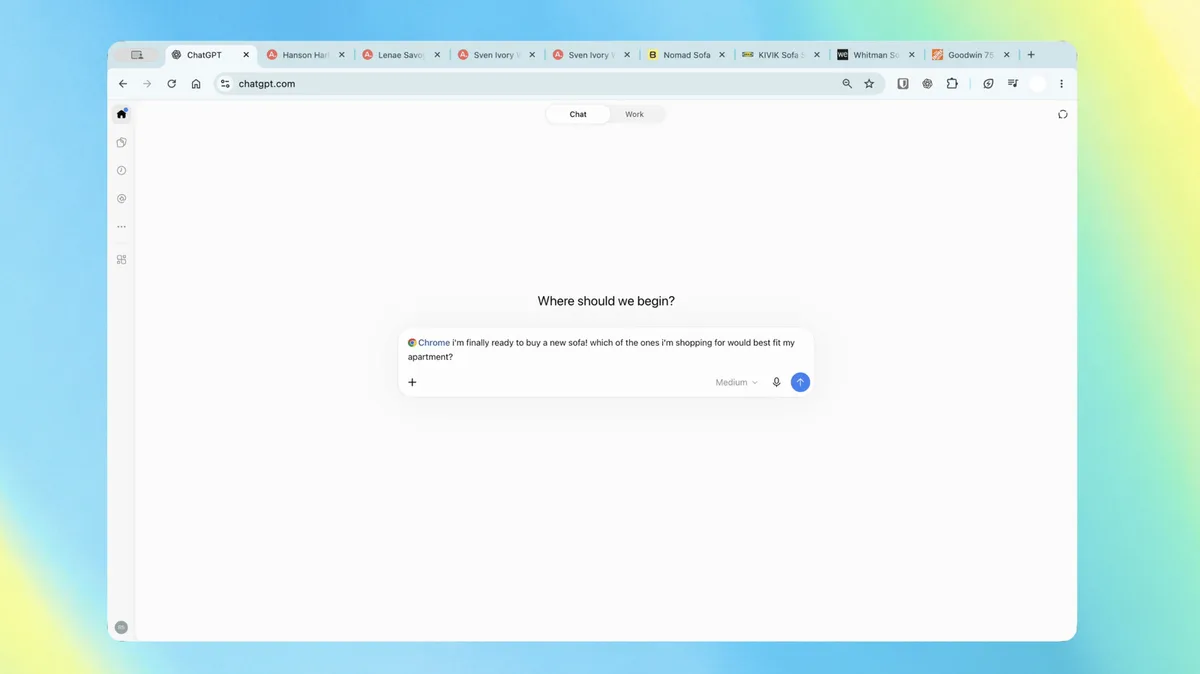
If you're in ChatGPT Chat, you can ask the AI assistant to take a look at your open tabs on Chrome to conjure answers that would personally be useful. You can, for instance, ask it to compare couches opened on three different tabs by their dimensions, prices, delivery time and return policy.
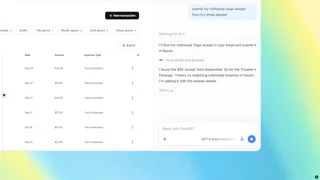
Meanwhile, if you're using ChatGPT Work, OpenAI's agent designed for complex multi-step tasks, you can ask the assistant to send messages, fill out forms, organize tabs and fill out forms for you. You can ask ChatGPT to fill out a form for your new dentist and then add your schedule to the calendar, for instance. Another example is to get the chatbot to analyze several contractors' terms open in multiple tabs and then draft an email to the provider that fits your needs the most.
In addition, ChatGPT in Chrome's sidebar now has access to your whole history, so you can talk to it and give it tasks without having to tab away from what you were doing. You can get the ChatGPT extension, no matter what plan you have. OpenAI says that aside from Chrome, the extension is also compatible with other Chromium-based browsers, including Microsoft Edge, Brave and Opera.
Next up: using ChatGPT right within a Chrome tab got a major upgrade – the full power of ChatGPT is now in your browser.
Your entire ChatGPT history is right there, and you can ask question in Chat or get things done in Work – side by side while you're on a site. pic.twitter.com/ABiwzLvNnD
5News aggregated this summary from the outlet’s public feed. The full article, with all the context, is on www.engadget.com — the content belongs to Engadget.