How to Secure Your Instagram Account With Two-Factor Authentication
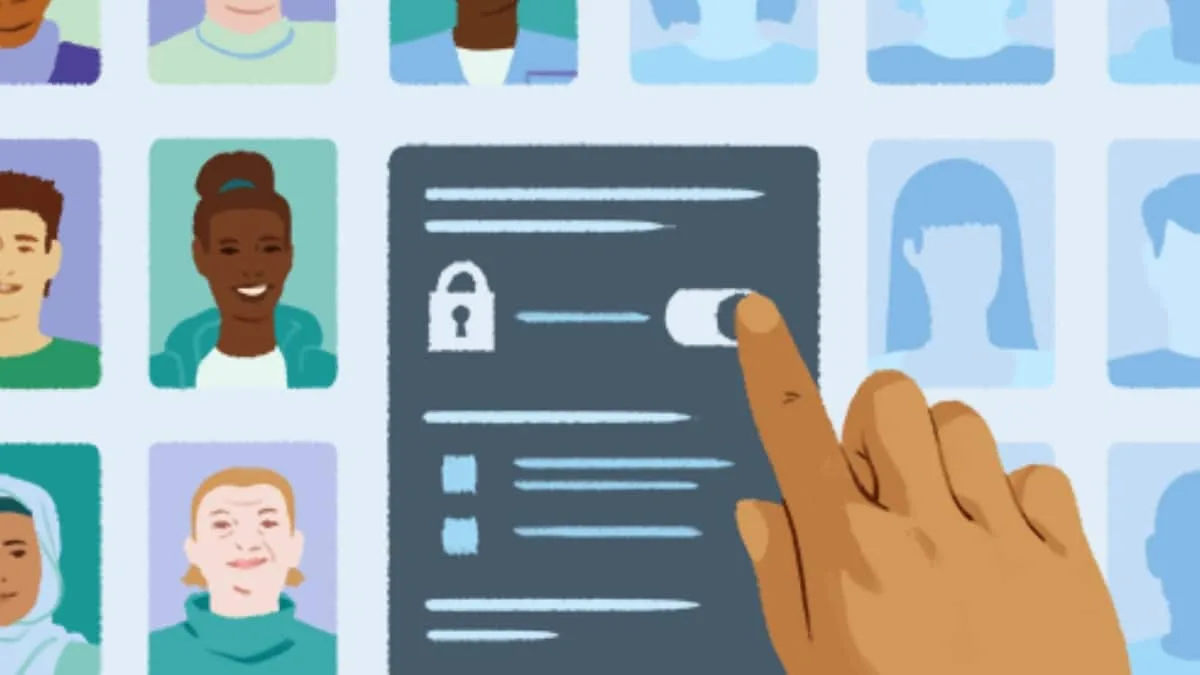
Instagram lets users add another layer of protection to their accounts with two-factor authentication.
The feature asks for an additional login code when Instagram needs to verify a sign-in, and users can choose an authentication app, text message or WhatsApp as their security method.
Setting up 2FA takes only a few steps through the Accounts Center.
Users can also turn the feature off later from the same settings.
Here is a step-by-step guide to enabling and disabling two-factor authentication on Instagram.
5News aggregated this summary from the outlet’s public feed. The full article, with all the context, is on www.gadgets360.com — the content belongs to Gadgets360 (NDTV).